For salons and professional stylists planning and ordering SHE extensions for their clients. You can explore colours while signed out; wholesale prices, stock checks and cart ordering require an approved account.
- Log in to your wholesale account. Sign in with your approved salon account before checking prices or ordering. New to SHE? Apply through Salon Registration; wholesale access follows approval.
- Choose your range and length. Read the weft guide, select Dream Weave or Silk Flat Weft, then choose the length for your client. The colour library shows shades offered in that range and length.
- Build your client blend. Tap shade images to add up to four colours. Choose 50–250g per shade in 50g packet steps; the total updates automatically. Use the selectors to change or remove a shade.
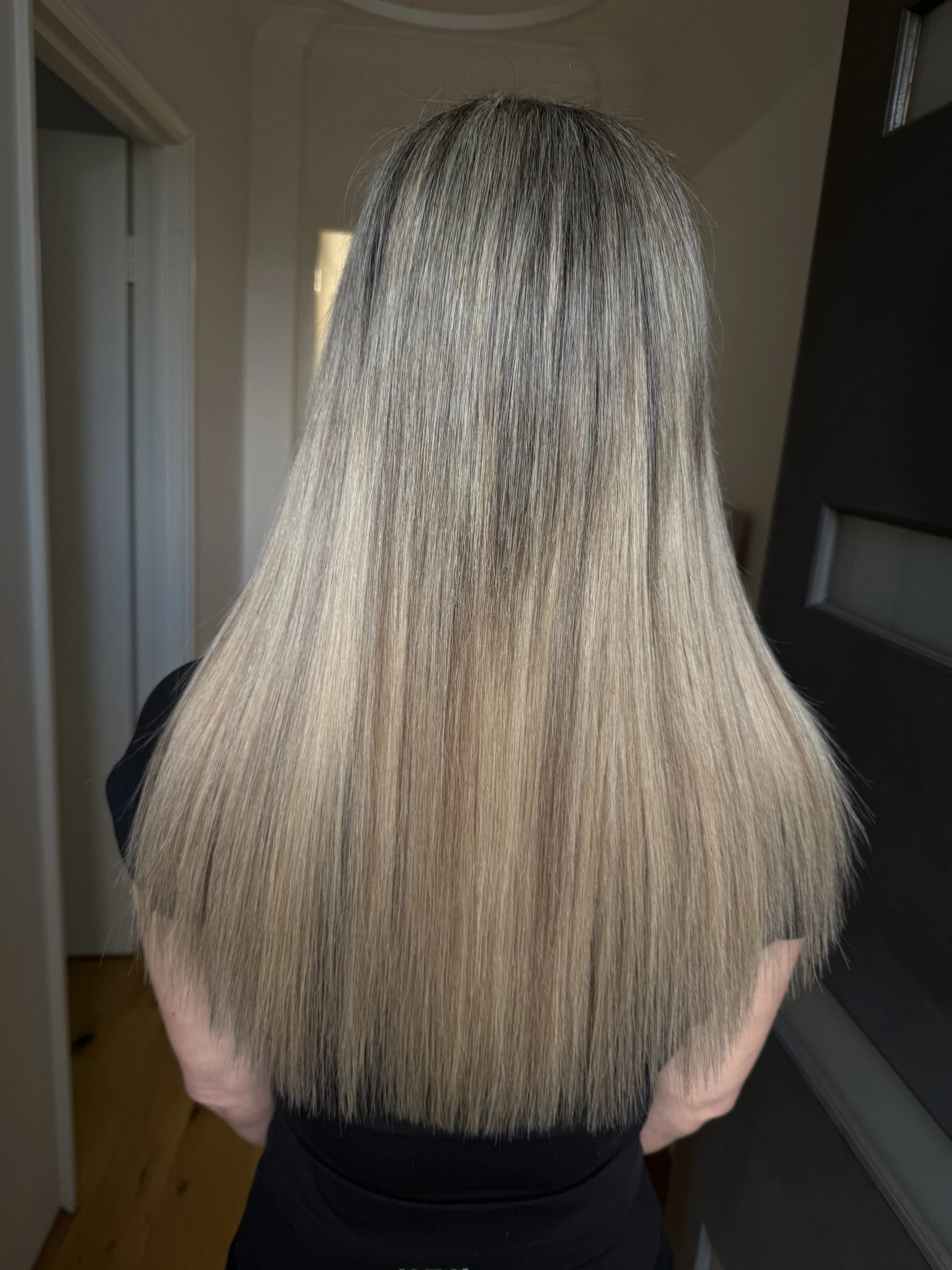
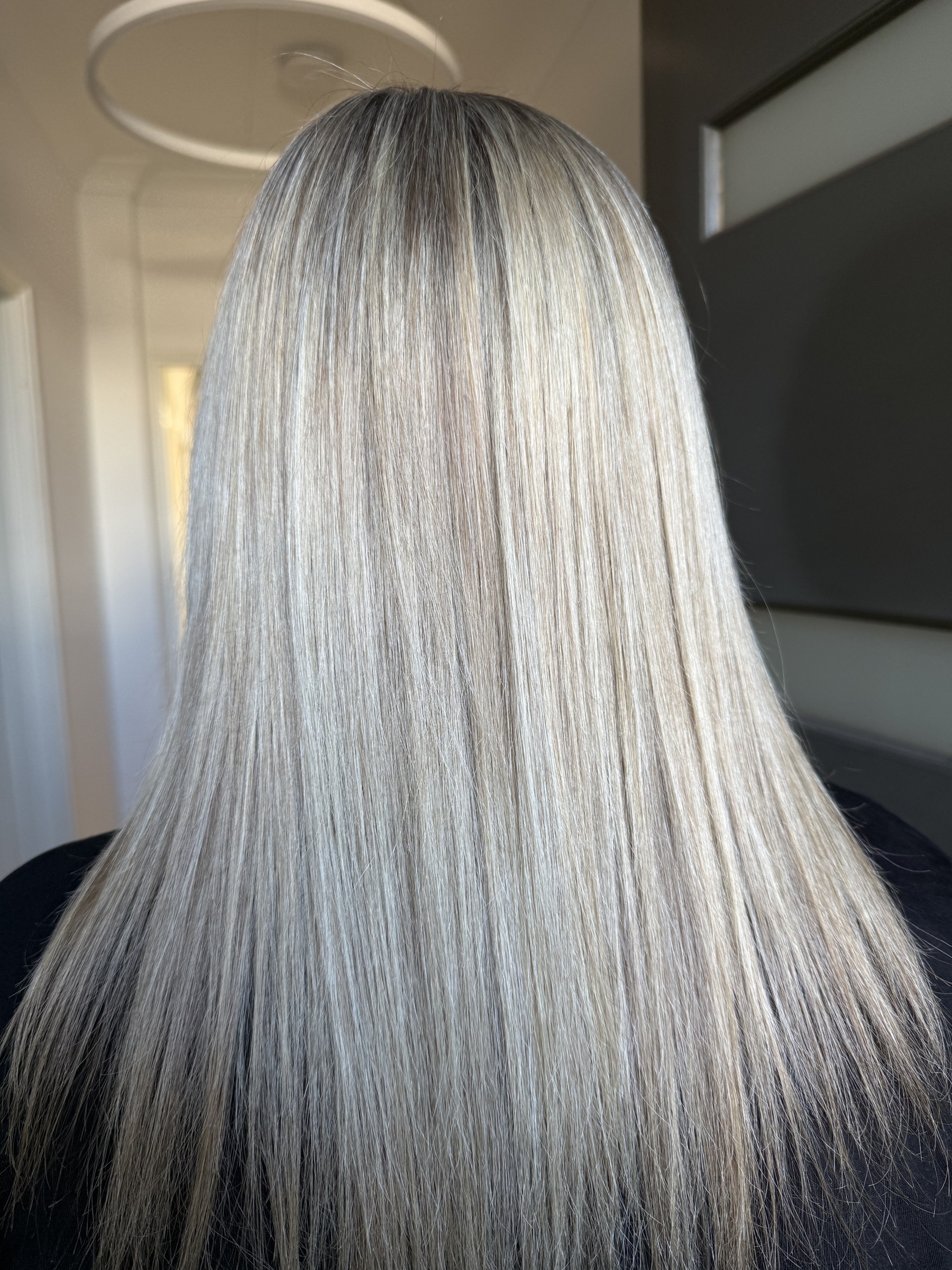
- Browse recorded salon combos. Explore combos lets you browse every recorded blend. Previewing a combo keeps your plan unchanged; select Use this full recorded blend to apply its shades, grams, range and length. Photos and videos are salon references, not an exact preview of your client’s result.
- Check your account prices and stock. Select Check my prices & availability once your blend is complete. Your wholesale account, selected range and length determine the prices and availability shown.
- Add your blend to cart. When your selection is available, select Add blend to cart. Review the shades, lengths, packet quantities and total in your cart before checkout. Planning or saving a blend does not place an order or reserve stock.
- Save or share a plan if needed. Save this blend keeps the plan on this device; Clear starts again. You can prepare an email or SMS draft for your team or SHE, review it and send it from your own app. Sharing a plan does not place an order or change your cart.
Confirm your client’s shade match with physical samples, and assess the weft type, placement, length and grams before ordering. Screen colours are a guide. Contact SHE if you need product or account assistance.